
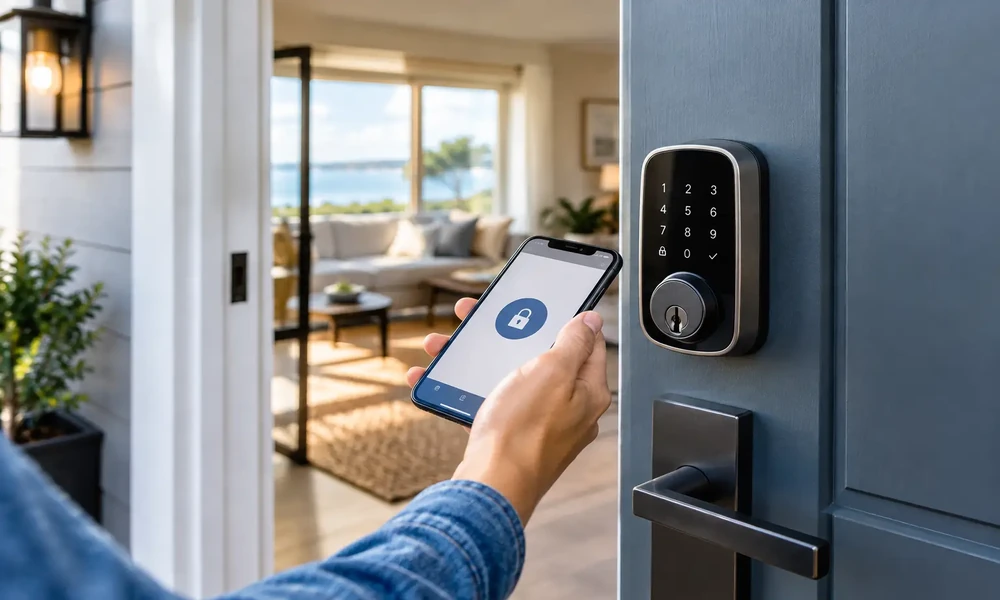

A guest arrives after a delayed flight, finds the property easily, and enters with a code that works only for their reservation dates. The next morning, that same code cannot be used by a previous guest, cleaner, or neighbor who was once given access. That is the practical value of vacation rental smart lock security for U.S. hosts: better control at the front door without an in-person key handoff.
For hosts who manage direct bookings, entry instructions carry extra weight. You are responsible for confirming reservation details, communicating clearly, and making sure access matches the agreed stay. A smart lock can reduce lost-key problems and late-arrival coordination, but it is not a set-it-and-forget-it security tool. The device, its installation, your code policy, and your backup plan all matter.
What Vacation Rental Smart Lock Security Should Do
The best setup supports the way your property actually operates. At a minimum, it should let you create unique access for guests, remove that access when the stay ends, and preserve a record of entry events when needed. For a busy cabin, beach house, condo, or city apartment, those basics make it easier to avoid rekeying locks after every turnover.
A good lock should also fit the door and the property’s conditions. A coastal home may need hardware that stands up to humidity and salt air. A mountain rental may face battery drain in cold temperatures. An exterior gate, shared building entrance, or detached garage may require a separate access plan rather than relying on one front-door device.
Security starts with the physical door, not the app. A quality deadbolt, a properly aligned strike plate, reinforced screws that reach the framing, and a door that closes fully are essential. A smart lock installed on a weak door does not solve the underlying problem. Before buying, check the lock’s compatibility with your door thickness, existing deadbolt, handing, and any homeowners association or building rules.
Use Guest Access Codes, Not a Shared PIN
Shared codes are convenient until you need to identify who entered and when. A single permanent code for every guest creates an unnecessary risk, especially when reservations change or a code is forwarded to someone outside the group.
Instead, issue individual guest access codes for each reservation. The code should become active close to check-in and expire shortly after checkout. If your system allows it, set the access window to match your stated arrival and departure times, with a modest buffer for reasonable travel delays. Do not activate a new guest’s code days early simply because the booking is confirmed.
Codes should be easy enough for travelers to enter correctly but difficult to guess. Avoid using the unit number, address digits, 1234, or a guest’s publicly visible birth year. A six-digit code gives more combinations than a four-digit code and is usually manageable for guests. If the lock requires a shorter code, the timing and one-code-per-stay policy become even more important.
Send entry instructions only after a reservation is confirmed and the guest has received the property’s essential arrival information. Keep the message plain: the address, parking instructions, the check-in time, how to wake or operate the keypad if needed, and a support contact for access trouble. Direct communication lets hosts answer a practical question quickly instead of leaving a traveler outside after dark.
Smart Lock Code Rotation Needs a Clear Policy
Smart lock code rotation is the routine of ending, deleting, or changing access credentials after their authorized use. It should cover more than guests. Cleaners, maintenance providers, co-hosts, inspectors, and pet sitters may all need access, but they should not all have the same level of access.
Set separate codes for each recurring service provider and review them at regular intervals. For example, a cleaner can have a code limited to turnover days and hours, while an emergency maintenance contact may have broader access only if the role truly requires it. If a vendor relationship ends, remove the code immediately rather than waiting for the next review.
Avoid relying solely on automatic expiration. Automation is helpful, but a reservation may be shortened, canceled, extended, or moved to a different unit. Review access whenever the booking changes. If a guest checks out early, deactivate the code. If you approve a late checkout, extend it deliberately. The goal is to make the lock reflect the actual reservation, not the original calendar entry.
A short written access policy keeps this manageable. It should state who may receive a code, how long each code remains active, who can create or edit codes, and what happens after a reported security concern. This is especially useful if more than one person manages reservations or guest communication.
Set Up Remote Door Lock Management Carefully
Remote door lock management is valuable when you are not near the property. It can allow you to check battery status, confirm whether a door is locked, receive access alerts, and adjust a code when a legitimate schedule change occurs. For hosts with multiple U.S. properties or long driving distances between homes, that visibility can reduce unnecessary trips.
It also creates a responsibility to protect the account that controls the lock. Use a unique, strong password for the lock account and turn on multi-factor authentication if the provider offers it. Limit administrator access to people who genuinely need it. A cleaner may need a temporary entry code, but they generally do not need permission to add users, view all entry history, or change lock settings.
Consider what happens when Wi-Fi drops. Some keypad locks can still accept stored codes without an internet connection, while remote updates and status checks may be unavailable. Other systems rely more heavily on a hub or connection. Understand this before installation, and tell guests what to do if the keypad does not respond. A reliable cellular signal at the property can also matter if you plan to use a connected hub.
Battery management deserves equal attention. Replace batteries on a schedule instead of waiting for a low-battery alert. Keep the recommended spare batteries in a secure owner supply area, and confirm whether emergency power contacts or a mechanical key override are available. If your property has a mechanical backup key, store it in a controlled location rather than leaving it in an obvious outdoor hiding place.
Build a Backup Plan for Check-In Problems
Short term rental keyless entry is most helpful when it reduces friction, not when it leaves guests dependent on one piece of technology. A practical backup plan protects both the guest experience and the property.
First, test the lock after every installation, battery change, firmware update, and door repair. Test it from outside with the door fully closed, not just while standing inside. Then test the exact instructions a guest will receive. If the keypad needs a particular button pressed before entering the code, say so clearly.
Second, choose a backup method appropriate for the property. It may be a mechanical key held by a trusted local contact, a secondary secured entry point, or an approved on-call property manager. The right option depends on distance, building access rules, and your ability to respond. A lockbox can be useful in some situations, but it should be well secured, used thoughtfully, and included in your code-rotation process.
Finally, make emergency procedures clear. Guests should know the fastest way to contact you if they cannot enter, while you should know who can physically assist if your phone is unavailable. For safety, no access-control plan should interfere with emergency exits or prevent occupants from leaving the property without a code.
Protect Guest Privacy While Monitoring Access
Entry logs can help answer a genuine question, such as whether a cleaner arrived or whether a door was left open. They should not become a reason to over-monitor guests. Use access information for property security, turnover coordination, and resolving specific issues, and handle it responsibly.
Be transparent in your house information that the property uses a smart entry lock. Explain that each reservation receives a temporary code and identify any exterior security devices according to applicable local requirements. Never place cameras in private spaces, and do not use access data to make guests feel watched during an otherwise normal stay.
For hosts listing direct-booking properties, clear expectations support trust on both sides. FeeSaverStay hosts can keep access instructions, house rules, and arrival details consistent with the reservation information they share directly with guests. The key is not more technology for its own sake. It is a documented process that helps the right people enter at the right time.
A smart lock works best when guests barely have to think about it and hosts know exactly how access is controlled. Start with a secure door, issue a unique timed code for every stay, remove credentials promptly, and keep a tested backup ready. Those habits make the front door easier to manage without treating convenience as a substitute for security.
Vacation Rental Smart Lock Security for U.S. Hosts